

Setting up Transaction-based SimDay on IPAD
The first thing you’ll need is an application called “RD Client” from the app store.
Once installed, launch the app and follow the steps below:
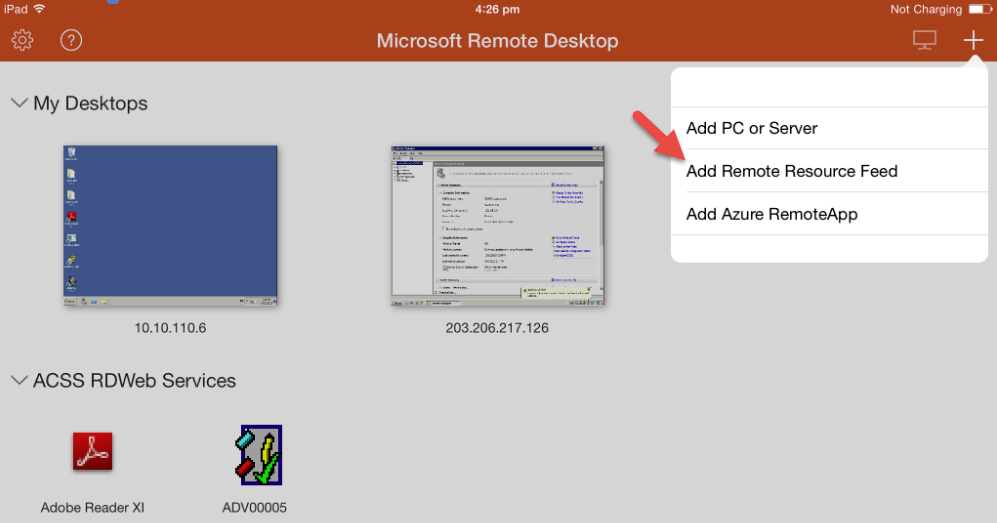
- select the plus symbol corner of page ” + “
- select “add Remote Resource”
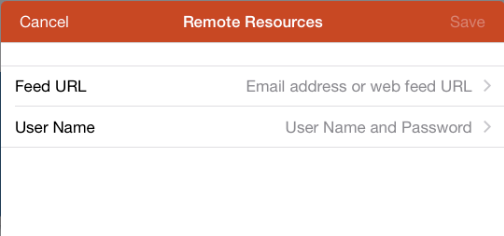
- the URL should be
- the user account details should be
- ADVXXXXX (client’s account)
- password… (client’s password in ECENTRE)
- click SAVE
Once the connection is successful you’ll see an icon within the “RD Services” section with your own ADV number on it.
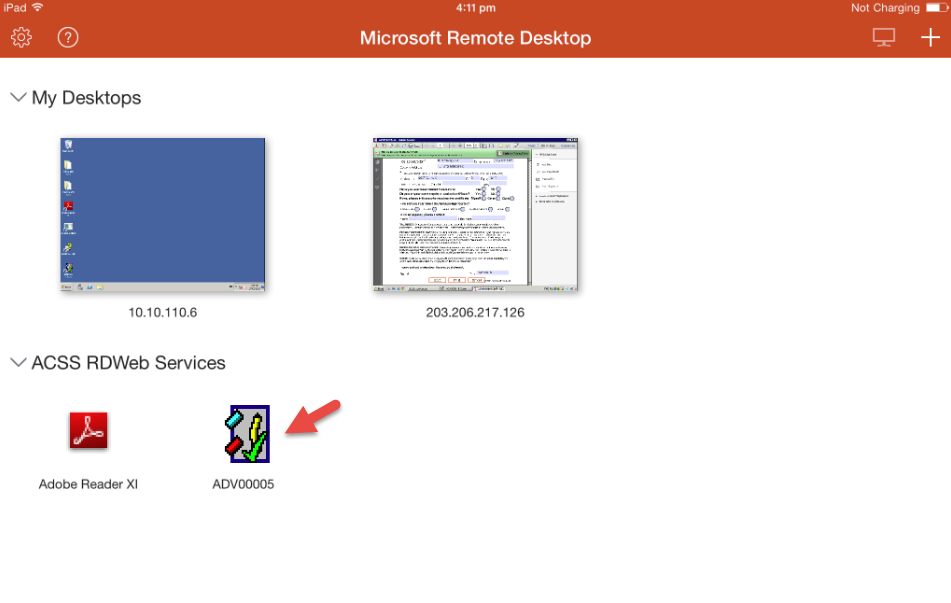
To access it, double click and the program should launch. The cursor moves around by using touch so it might take time getting used to it.