Patient Status Report
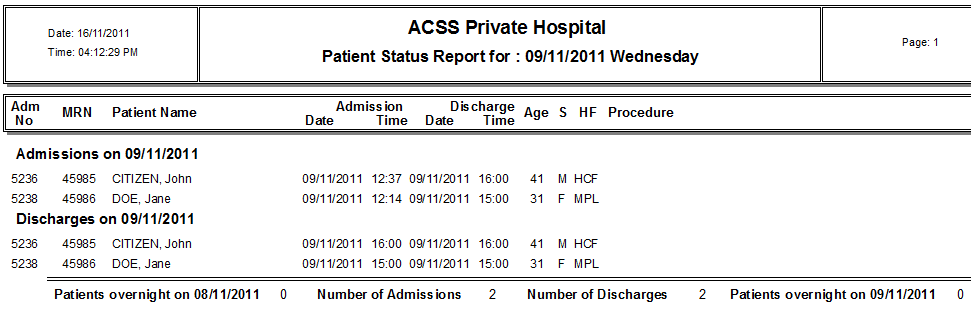
The Patient Status Report shows which patients were admitted, discharged or stayed overnight for a particular day including admission & discharge times and patients’ procedures etc.
Click on Reports in the main menu and then More Reports in the sub menu to bring up a list of various statistical reports.
Click on the Patient Status button.
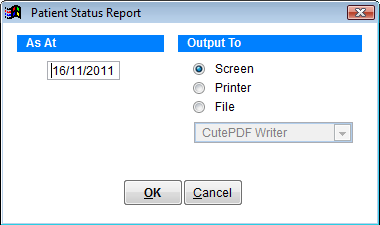
As At Enter the date for the report
Output To Select screen, printer or excel file
Click on OK to produce the report or Cancel to discard changes and return to the previous screen.