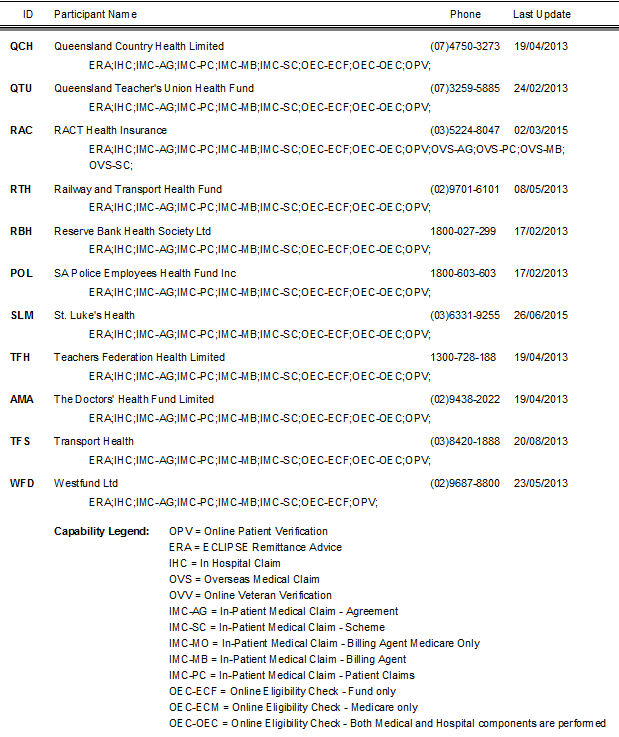
Health fund participants list
SimDay can create a report of all health funds within the eclipse network.
From the main menu click Reports and Other Listings
Click the HOL Participants tab
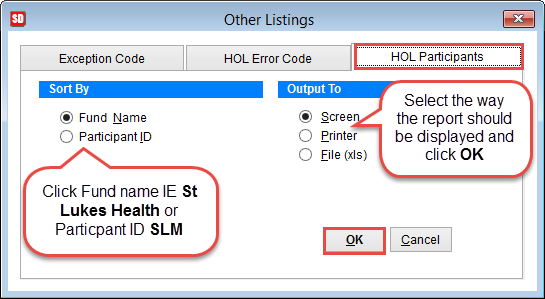
Sort By
Select the way the report is sorted. Fund Name IE St Luke’s Health or Participant ID SLM.
Output To
Screen will display the results on the computer screen
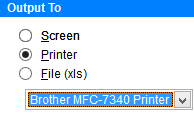
Printer will print a paper report. Select the printer from the drop down menu that appears at the bottom of the screen.
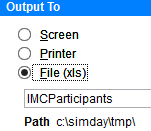
File (xls) creates an excel file on the PC. The filename and path where the file is saved will be displayed at the bottom of the screen.
Click OK to create the report or Cancel to discard changes and return to the previous screen.
An example of a report generated by Fund ID.