

Nurse List Set Up
The Nurse/Assistant List links to the Theatre screen so you can easily select the nurses from the drop down boxes instead of typing out the names. This goes on to creating a legal electronic Theatre Register in SimDay.
Click on Setup in the main menu, and then Nurse List in the sub menu which will bring up a list of your pre populated nurses.
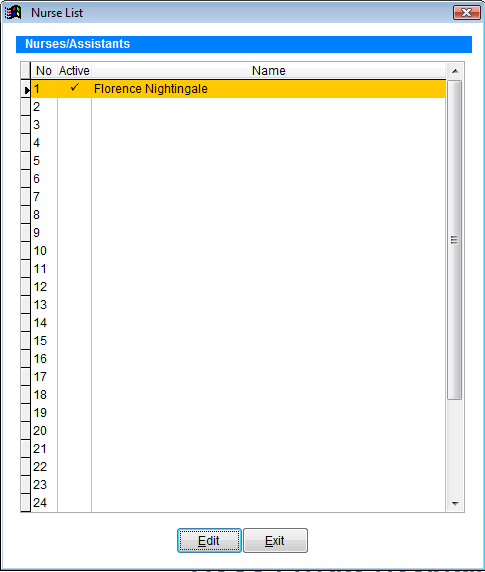
Click on the Edit button to create a new nurse.
Double click in the first available Active box which will put a tick in that field.
Click in the Name field next to the tick and enter the name of the nurse.
When you’ve finished creating all nurses, click on the Save button.
If a nurse no longer works at the hospital, you can make that nurse inactive by unticking the Active box next to the nurses name.